SillyTavern with DeepSeek: Local Ollama vs API Setup
Compare local Ollama and DeepSeek API setups for SillyTavern, then follow the right installation guide for your hardware, privacy needs, and budget.
Before configuring DeepSeek in SillyTavern, decide where the model should run.
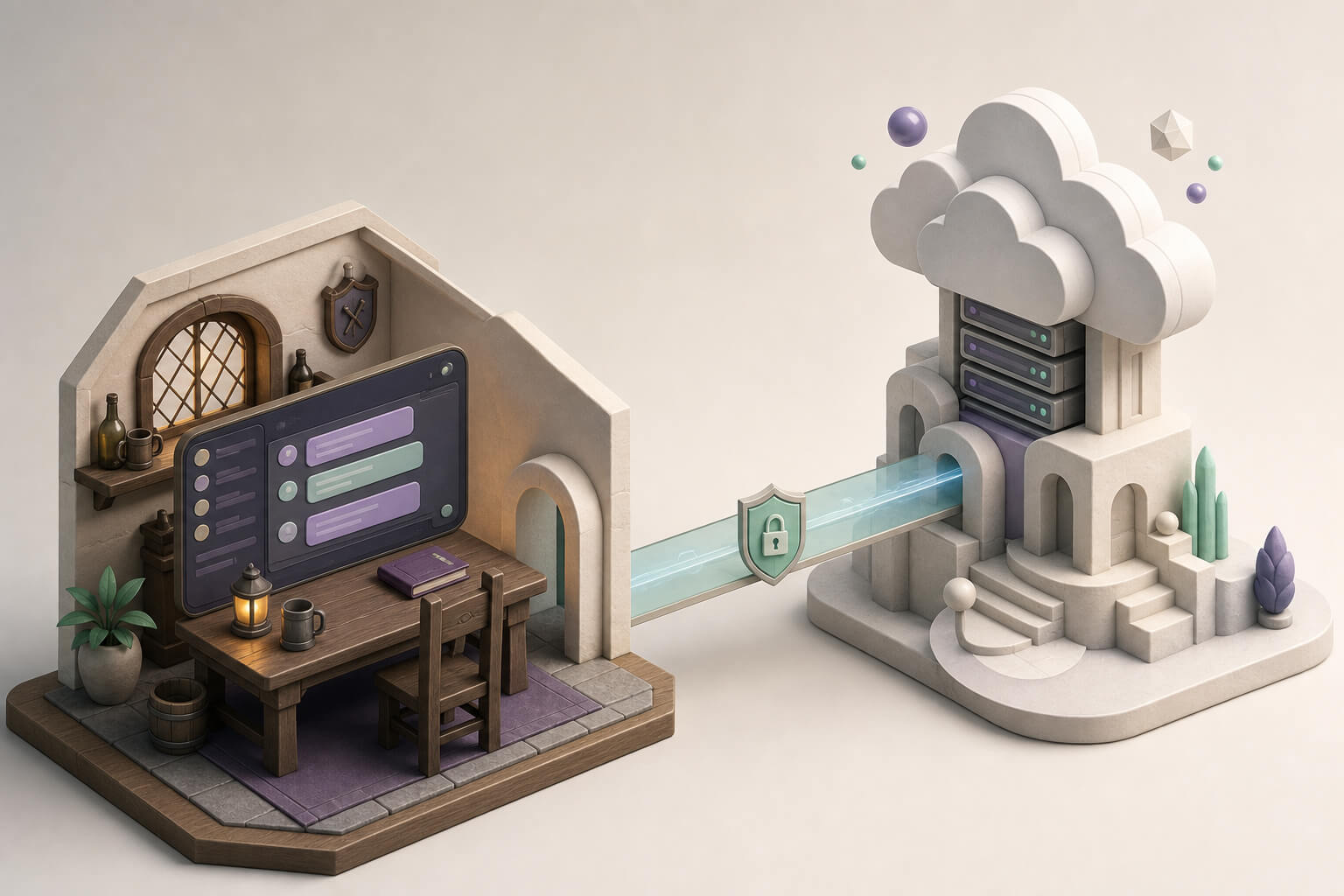
One route runs an open model on your own computer through Ollama. It can work offline and keeps model inference local, but speed and quality depend on the available GPU, memory, and model size. The other route keeps the SillyTavern interface on your computer while DeepSeek’s API handles inference. It avoids large downloads and works on an ordinary laptop, but it needs a network connection and usage-based billing.
Quick Decision
| Requirement | Better starting point |
|---|---|
| No dedicated GPU and a low-friction setup | DeepSeek API |
| Offline use and local conversation data | Local Ollama |
| Behavior closer to the official online model | DeepSeek API |
| Enough VRAM to compare open models | Local Ollama |
| No large model downloads or local model maintenance | DeepSeek API |
| Willing to accept the limits of smaller local models | Local Ollama |
Both routes connect to the same SillyTavern interface, but they optimize for different constraints. Local deployment favors control and experimentation. The API route favors accessibility and everyday use.
Local Ollama Route
The local route requires SillyTavern, Ollama, and a DeepSeek R1 model that fits the machine. Larger models need substantially more VRAM and system memory. An 8B or 14B model is a reasonable starting point for ordinary hardware; a 32B model becomes more practical around 24 GB of VRAM.
Follow DeepSeek R1 with SillyTavern: Local Ollama Setup on Windows for installation, model selection, and connection settings.
This route is useful when offline access, local control, or model comparison matters. A distilled local model should not be treated as identical to the full online DeepSeek service.
DeepSeek API Route
With the API route, SillyTavern runs locally while DeepSeek’s servers perform model inference. The important settings are the API key, connection mode, base URL, and current model name. A local GPU is not required.
Follow SillyTavern DeepSeek API Setup: Step-by-Step, No GPU Required for the complete configuration.
This route is easier on ordinary laptops and usually more practical for daily use. It requires a network connection, sends conversation data to the model provider, and introduces API cost and availability as operating constraints.
Keeping Both Routes
Local and API setups do not have to be a permanent either-or choice.
Use the API for regular sessions when convenience and model quality matter. Switch to Ollama for offline work, role-card tests, or comparisons between local models. SillyTavern is the interface, so the model connection can change with the situation.
Common Questions
Can SillyTavern work without a GPU?
Yes. SillyTavern does not perform model inference by itself. With the DeepSeek API route, an ordinary computer only runs the interface and sends requests.
Is the local route always private?
It has a clearer privacy boundary only when the model, role cards, and conversations all stay on the machine. Plugins, remote vector stores, and other online services still need their own data-flow review.
Which route gives better responses?
Compared with the smaller distilled models that fit ordinary personal hardware, the official API is generally closer to DeepSeek’s full online capability. Local models are valuable for offline use, control, and experimentation.
Which guide should I read first?
Start with the API guide when the machine has no strong GPU. Start with the Ollama guide when Ollama is already installed or offline use is a firm requirement.